
Features
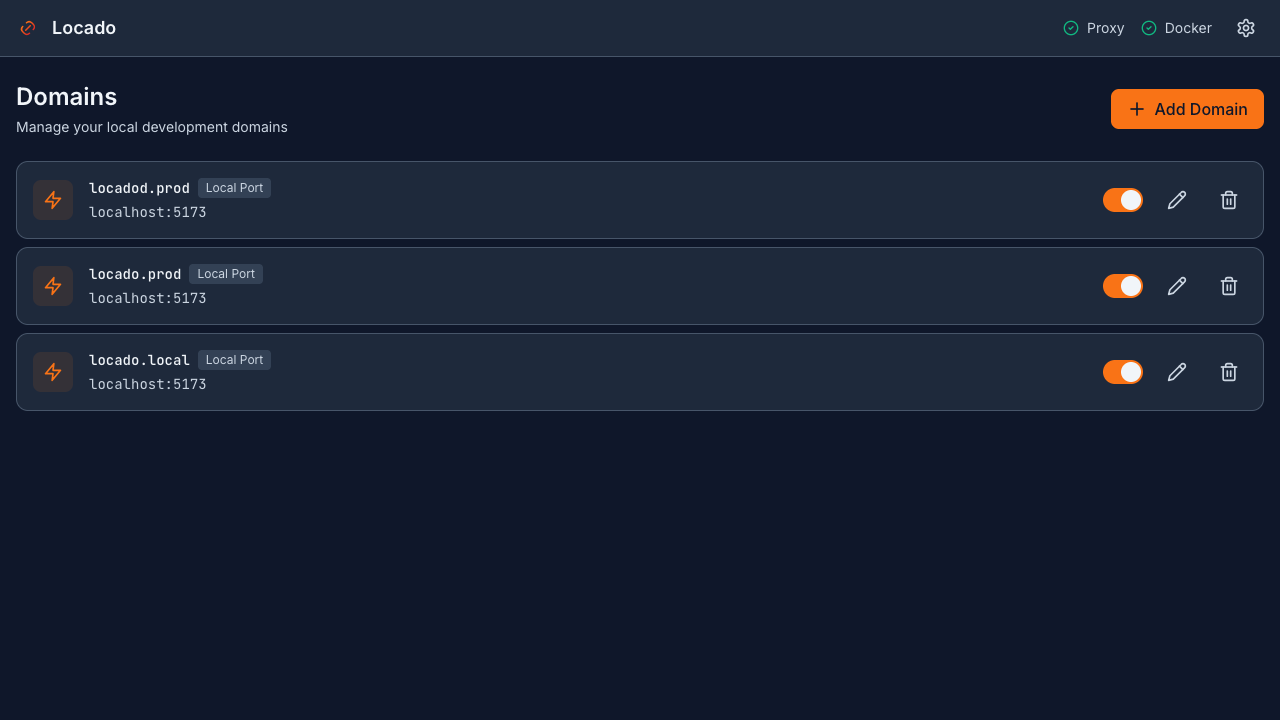
Multiple TLDs
Use .local, .test, .dev or any custom TLD. Configure up to 10 different TLDs for your domains.
Built-in HTTPS
Self-signed CA with one-click trust. No external proxy like Caddy or Nginx needed.
Docker Integration
Auto-detect running containers and map them to domains. Works with container ports automatically.
Remote Hosts
Proxy to remote IPs or SSH tunnels. Access internal services through local domains.
Cross-Platform DNS
Native DNS support: dnsmasq (macOS), systemd-resolved (Linux), Acrylic (Windows), or hosts file fallback.
Full CLI & Service
Complete CLI with shell completion. Auto-start on boot via LaunchD (macOS) or systemd (Linux).
Download Statistics
By Version
Installation
One command to get started
curl -fsSL https://locado.hxd.app/install.sh | bash locado domain add myapp.local localhost:3000 locado service start FAQ
Does it require Caddy or Nginx?
No. Locado has a built-in Go reverse proxy with SSL support. No external dependencies required.
Can I use multiple TLDs?
Yes! You can configure up to 10 different TLDs like .local, .test, .dev, or any custom TLD you prefer.
Does it work on Windows?
Yes. Locado supports Windows via Acrylic DNS Proxy. It also works on macOS (dnsmasq) and Linux (systemd-resolved).
How do I auto-start on boot?
Run 'locado service enable' to configure auto-start. Uses LaunchD on macOS and systemd on Linux.
How do I completely uninstall?
Run 'locado uninstall --purge' to remove all files, configurations, DNS settings, and certificates.
Is HTTPS really automatic?
Yes. Locado generates a self-signed CA and certificates automatically. Run 'locado cert trust' to add the CA to your system keychain.
Binary killed immediately after install (macOS)?
This is caused by macOS Gatekeeper quarantine. Run: sudo xattr -cr /usr/local/bin/locado
DNS setup from dashboard doesn't work?
DNS operations require root privileges. Run the install script in terminal: curl -fsSL https://locado.hxd.app/install.sh | bash
Certificate not trusted after install (macOS)?
The CA certificate may be missing SSL trust policy. Run: sudo security add-trusted-cert -d -r trustRoot -p ssl -k /Library/Keychains/System.keychain ~/.local/share/locado/certs/ca.crt
Error when opening app on macOS (App is damaged)?
Due to macOS Gatekeeper security mechanism. Please run the following command in Terminal: `sudo xattr -rd com.apple.quarantine "/Applications/Locado.app"`